Documentation
Getting Started
The quickest route to confident day-one use.
Create and manage notes (Free)
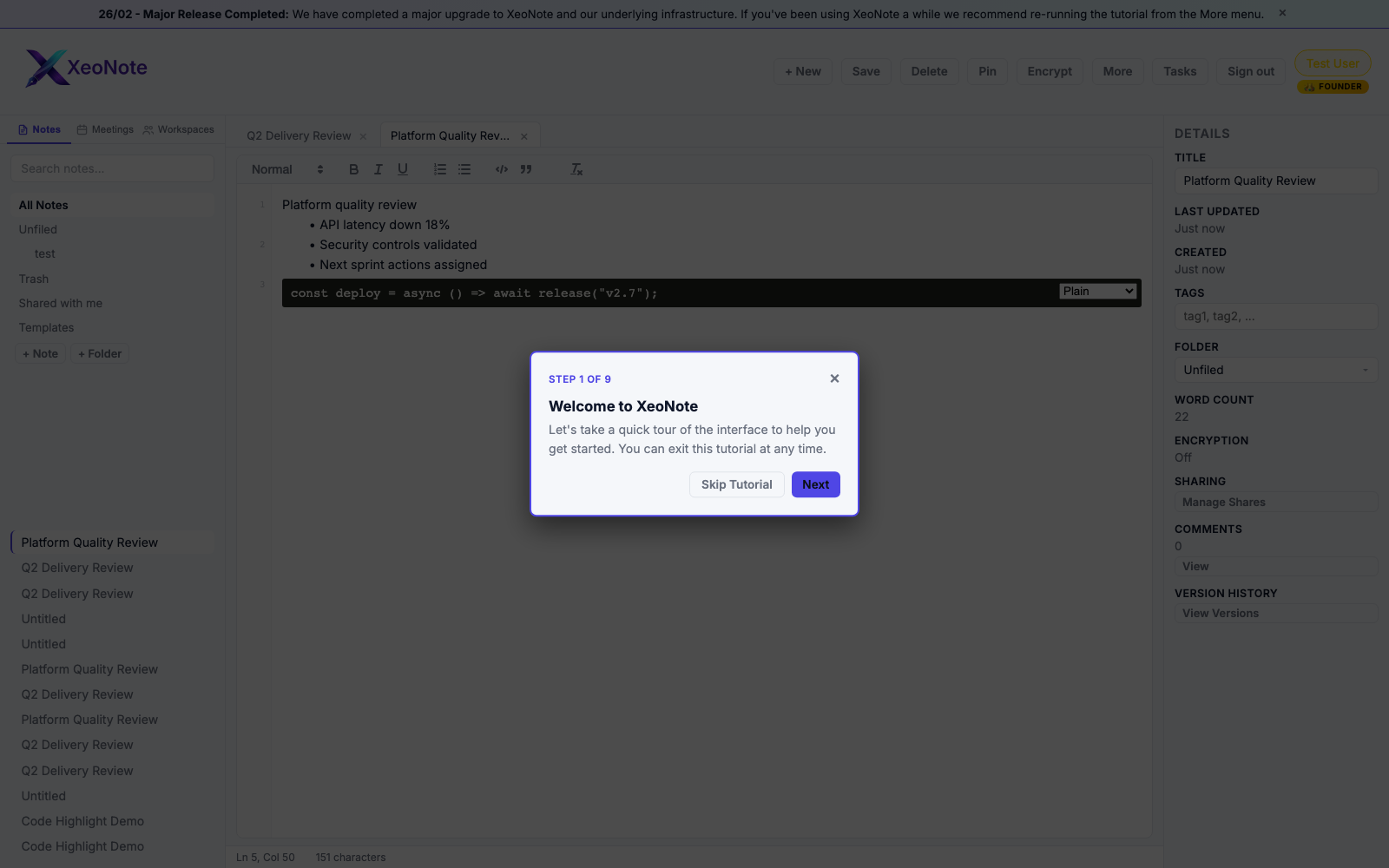
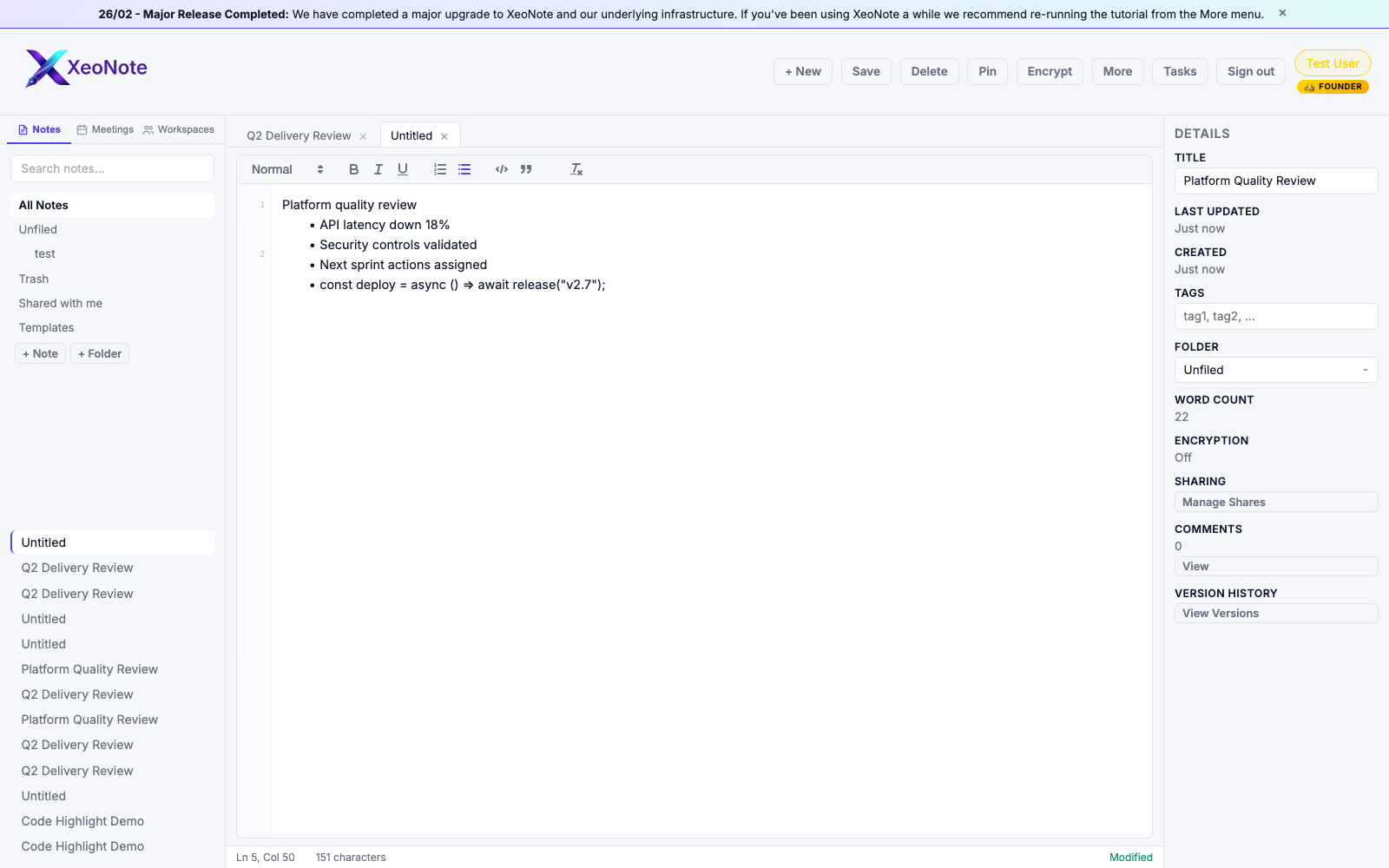
Click + New in the toolbar, or press Ctrl+N (Cmd+N on Mac). Each note opens as a tab. Autosave runs automatically, and Ctrl+S saves instantly.
Keyboard shortcuts and command palette (Free)
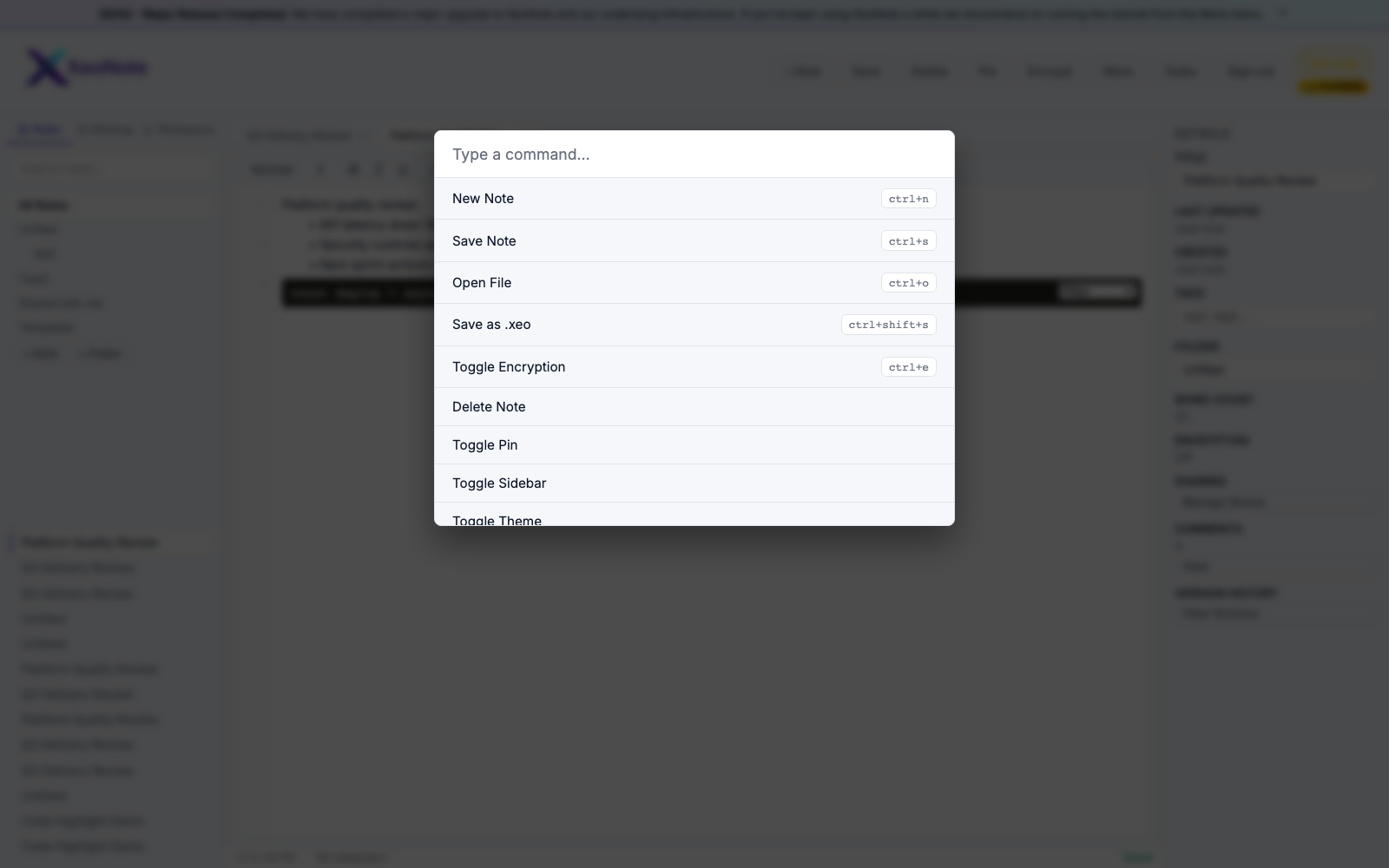
Use Ctrl+K to open the command palette for rapid keyboard-first actions.
Guided onboarding (Free)
Start Tutorial walks new users through key controls in context.