
Documentation
Editor and Organisation
Write clearly and keep your notes easy to find as your work grows.
Rich text editing (Free)
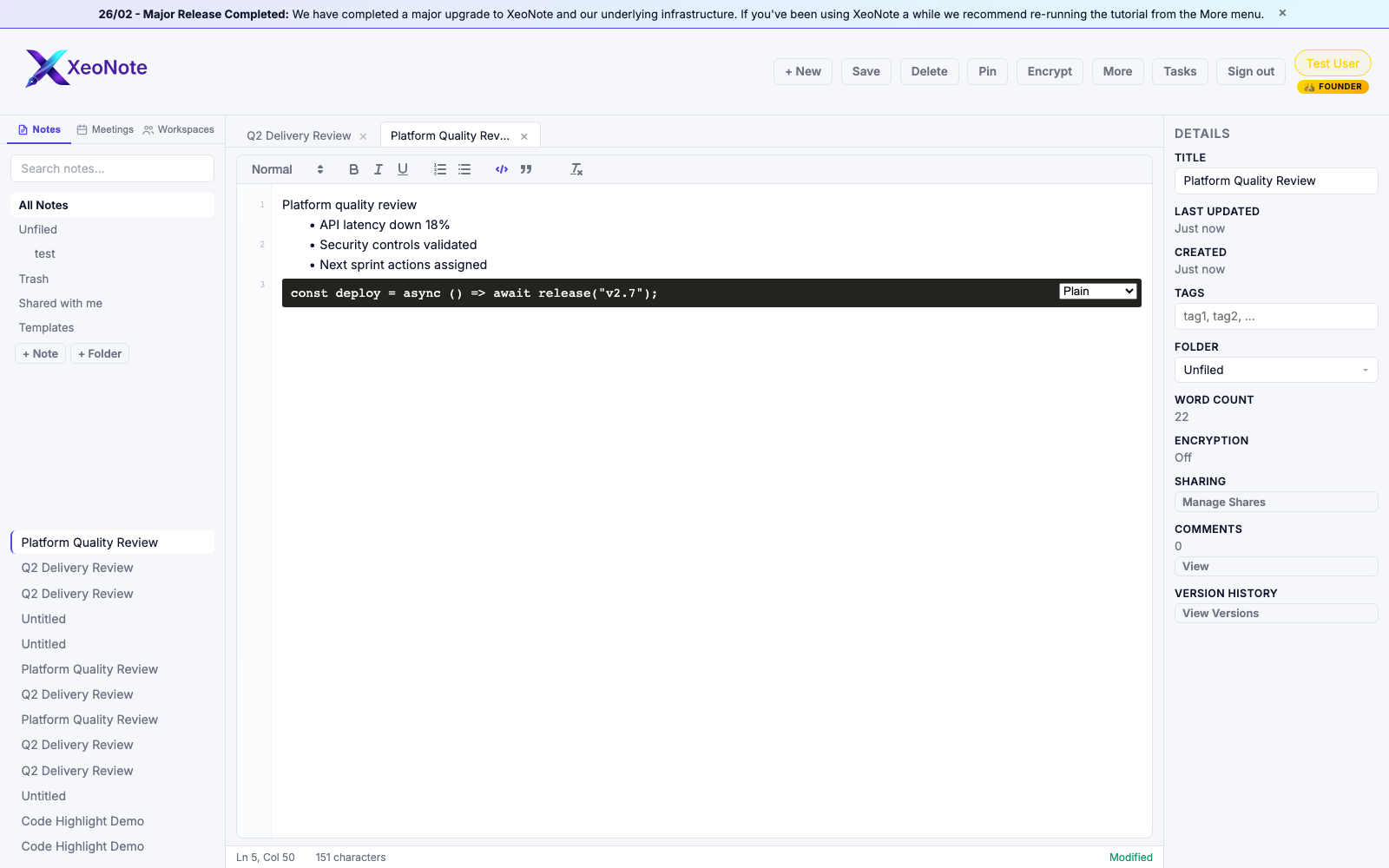
Use headings, lists, emphasis, and code formatting in the Quill editor. Status bar feedback includes cursor, characters, and save state.
Folders, tags, and templates (Free)
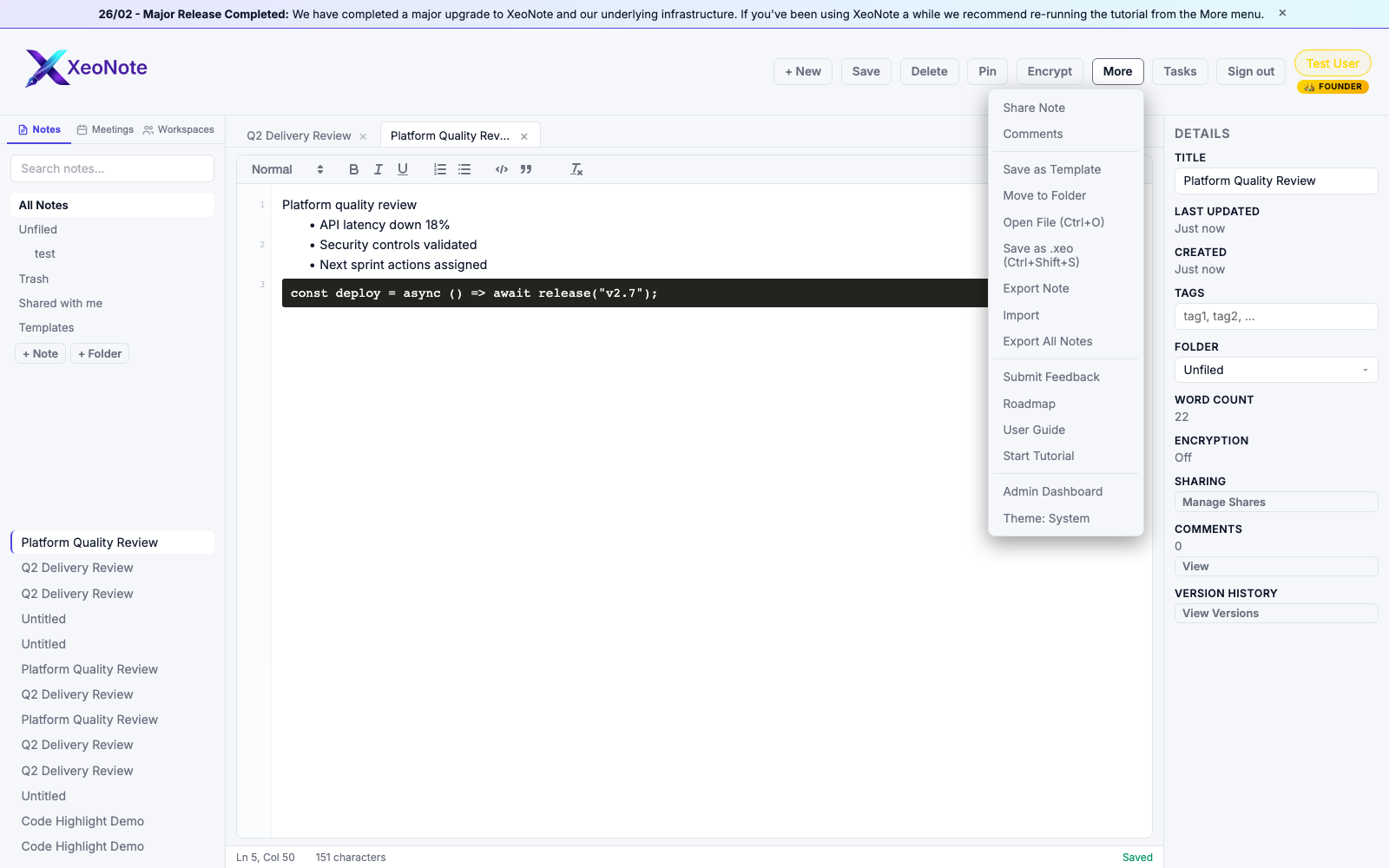
Organise notes with folders and tags. Save recurring layouts as templates from the More menu.
Dark and light mode
XeoNote supports both interfaces. The editor workspace screenshot above is light mode, while dark mode appears in the meetings/action-tracker examples below.